
Prompt configurations
A prompt configuration is the set of instructions your agent follows when it explains a review: the tone it writes in and how it words each part. Flight Plan builds the same review whichever you pick. Which sections your agent writes is part of your review configuration.
The presets
Section titled “The presets”| Preset | Best for | What changes |
|---|---|---|
| Standard | General pull requests | The agent writes for a reviewer who knows the codebase. |
| Minimal | Saving tokens | The agent writes in fragments: few words and no filler. |
| Onboardee | Engineers new to the company and the codebase | The agent writes with more about how the codebase works. Hovering a name in the code also shows what it is, what it does and where the codebase uses it. |
| Unfamiliar territory | A language or framework you don’t know well | The agent writes with more about how the technology works. Hovering a name also shows what it is and what it does, for the repository’s code, the libraries it imports and the language itself. |
How Standard writes
Section titled “How Standard writes”Standard writes in a plain, technical style: one idea per sentence, active voice, present tense, plain words. Each part has its own instruction. For example, the Context is one or two sentences that say what the segment’s change does, with no code names in them, because the Change Overview under it already lists every piece of code the segment adds, modifies and removes.
Minimal rewrites every instruction in a fragment style. Onboardee and Unfamiliar territory use Standard’s instructions and add the descriptions behind the names you hover.
Picking a configuration
Section titled “Picking a configuration”- As the default: choose it in the Review configuration step of setup, or later under Settings → Review configuration. Default on the Settings → Prompt configurations list does the same, for a preset or one of your own.
- For one review: choose it under Configure in the dialog that asks your agent to explain the review.
Your own configurations
Section titled “Your own configurations”Settings → Prompt configurations lists the Presets and Your configurations. Each one says whether it ships with Flight Plan or which preset it’s based on, and how many of its instructions you changed. Open one to read its instructions.
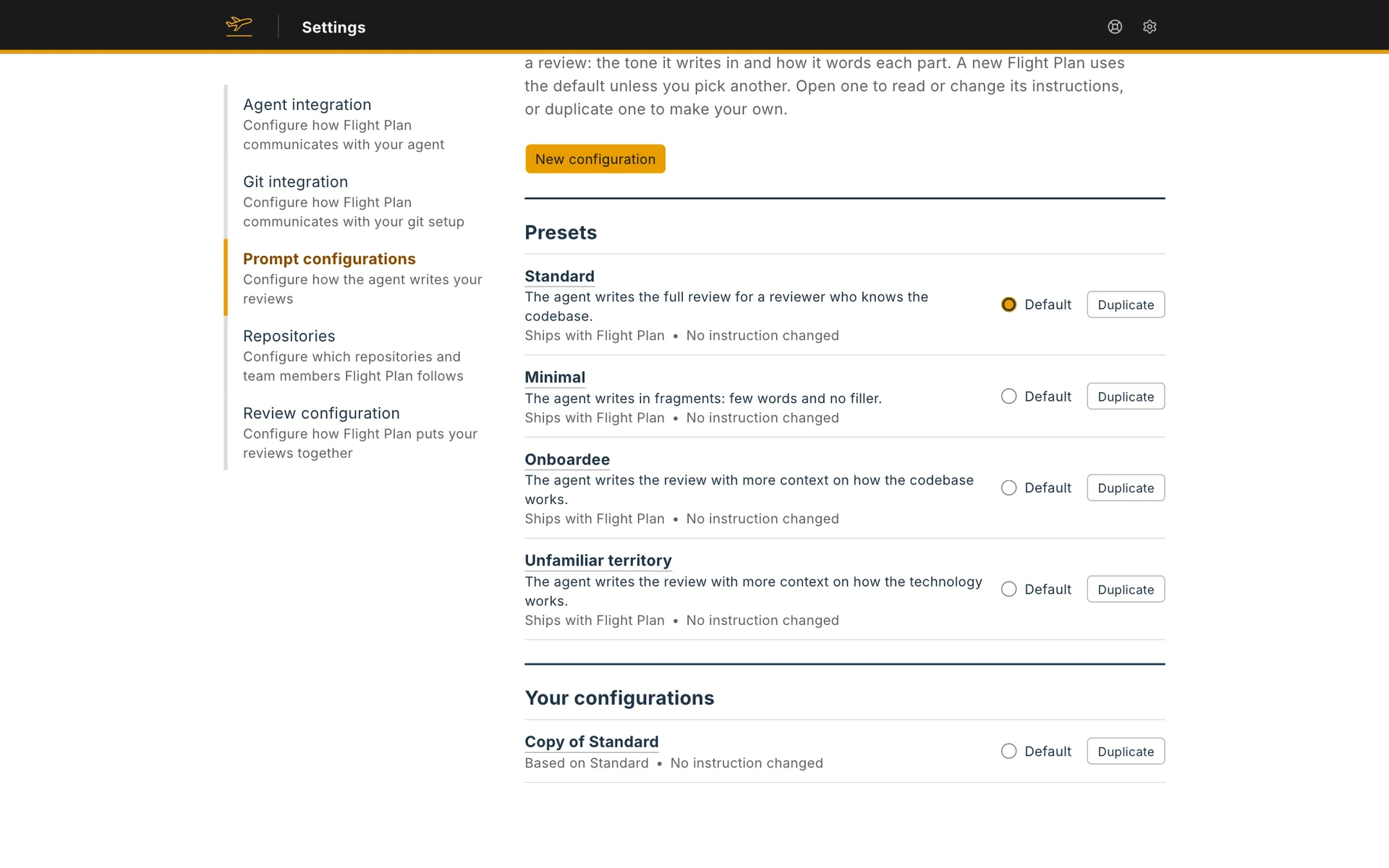
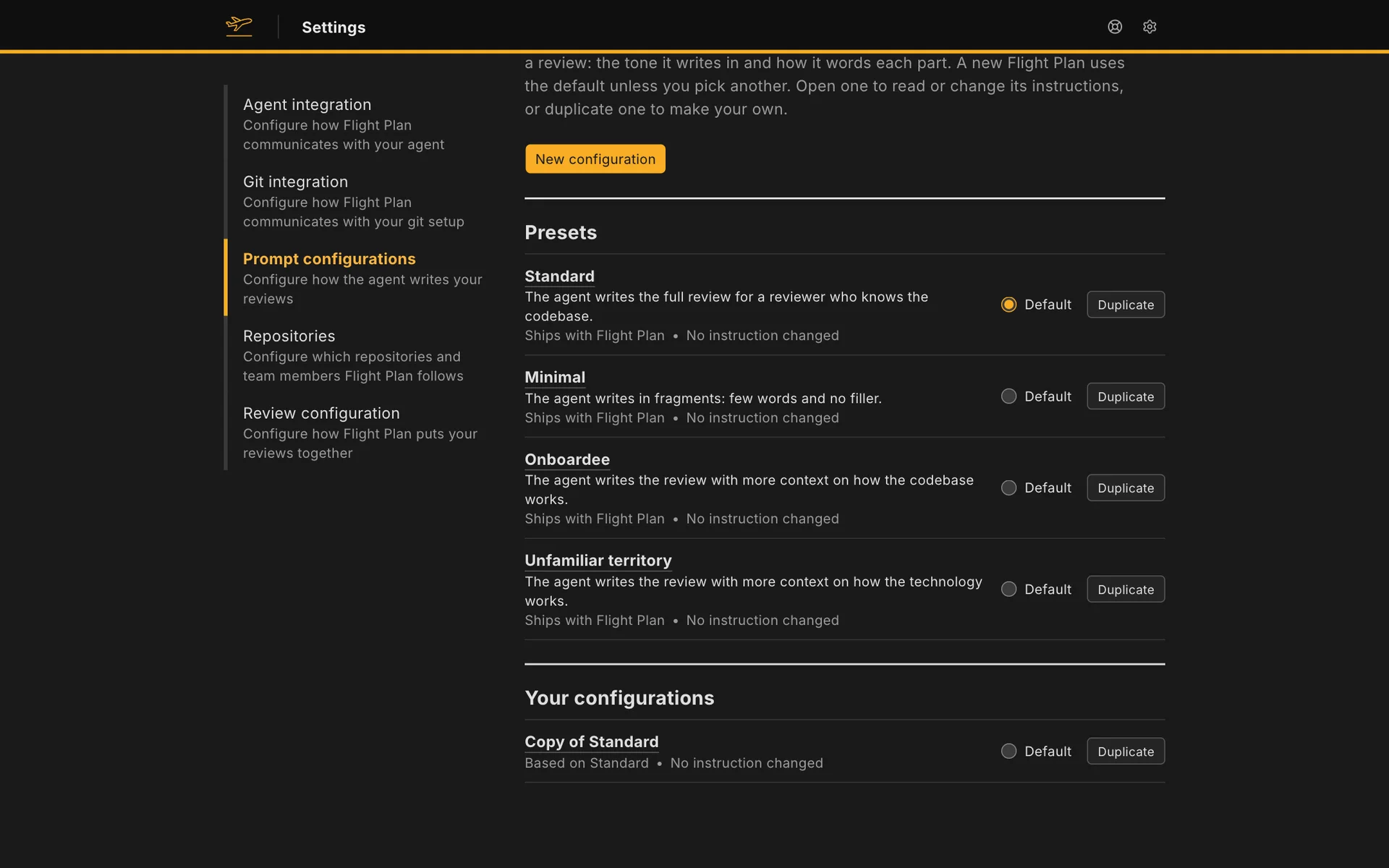
To make your own, use Duplicate on any configuration, or New configuration to name it and choose what it starts from. A new configuration is a copy, with the same instructions as its source.
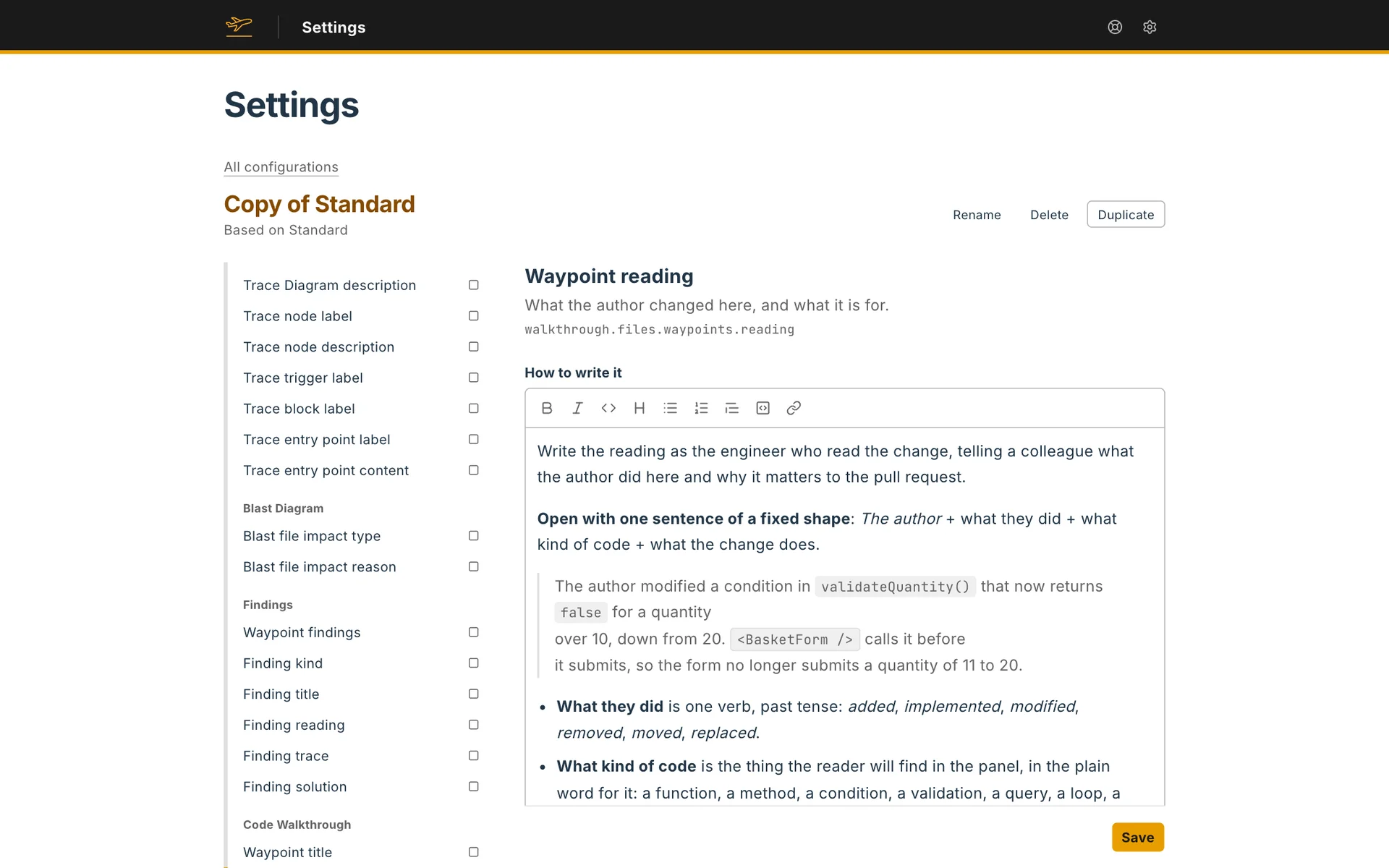
A configuration holds two kinds of setting:
- Hover descriptions. The kinds of name your agent describes for the hover cards: Code of the repository, Libraries and Language.
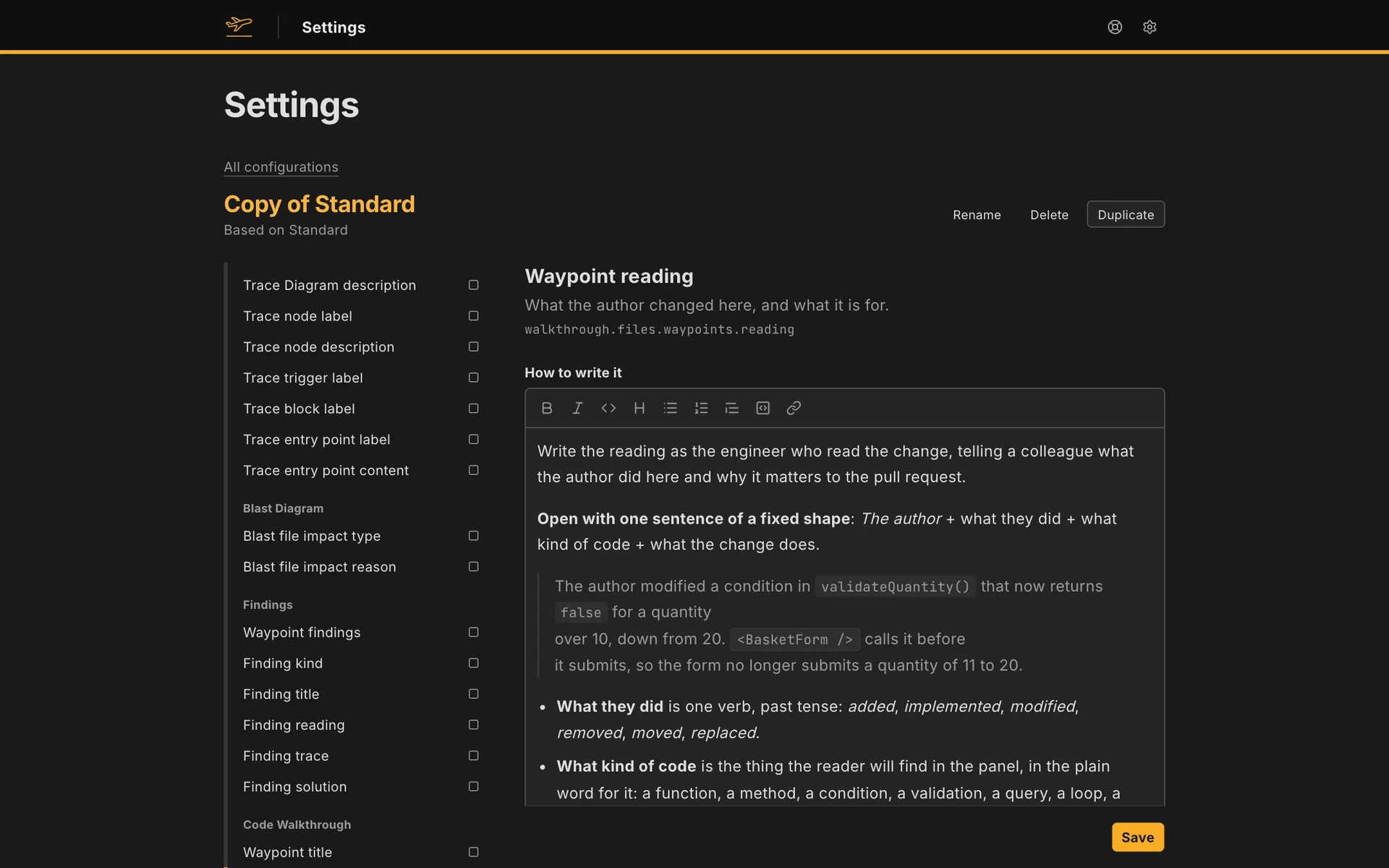
- Fields. The index on the left lists every part your agent writes, grouped under Voice, Context, Trace Diagram, Blast Diagram, Findings, Code Walkthrough and Context code blocks. Open a field to edit How to write it, and for a field with fixed options, what each option means. Marks in the index show which fields you changed.
A changed field shows the instruction it started from, and a button to reset it. Your own configurations can be renamed and deleted. You can change a preset too, but a release of Flight Plan can overwrite what you change in it, so duplicate it to keep your changes.
A review keeps the configuration it was written with. If you delete that configuration later, your agent follows the preset it was based on.