
Git features
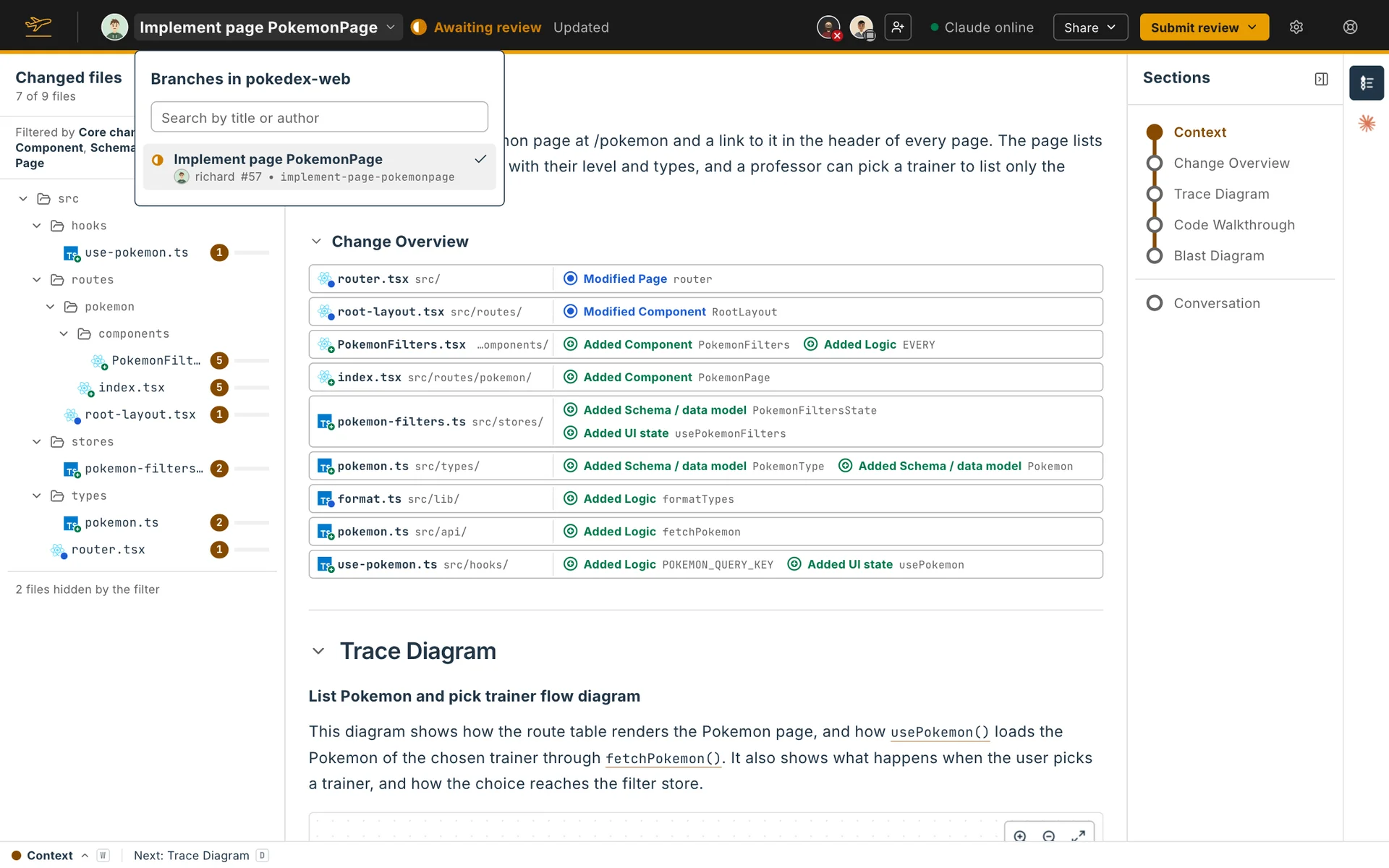
The review page keeps track of where the pull request stands, and lets you move between pull requests and bring a review up to date.
Status
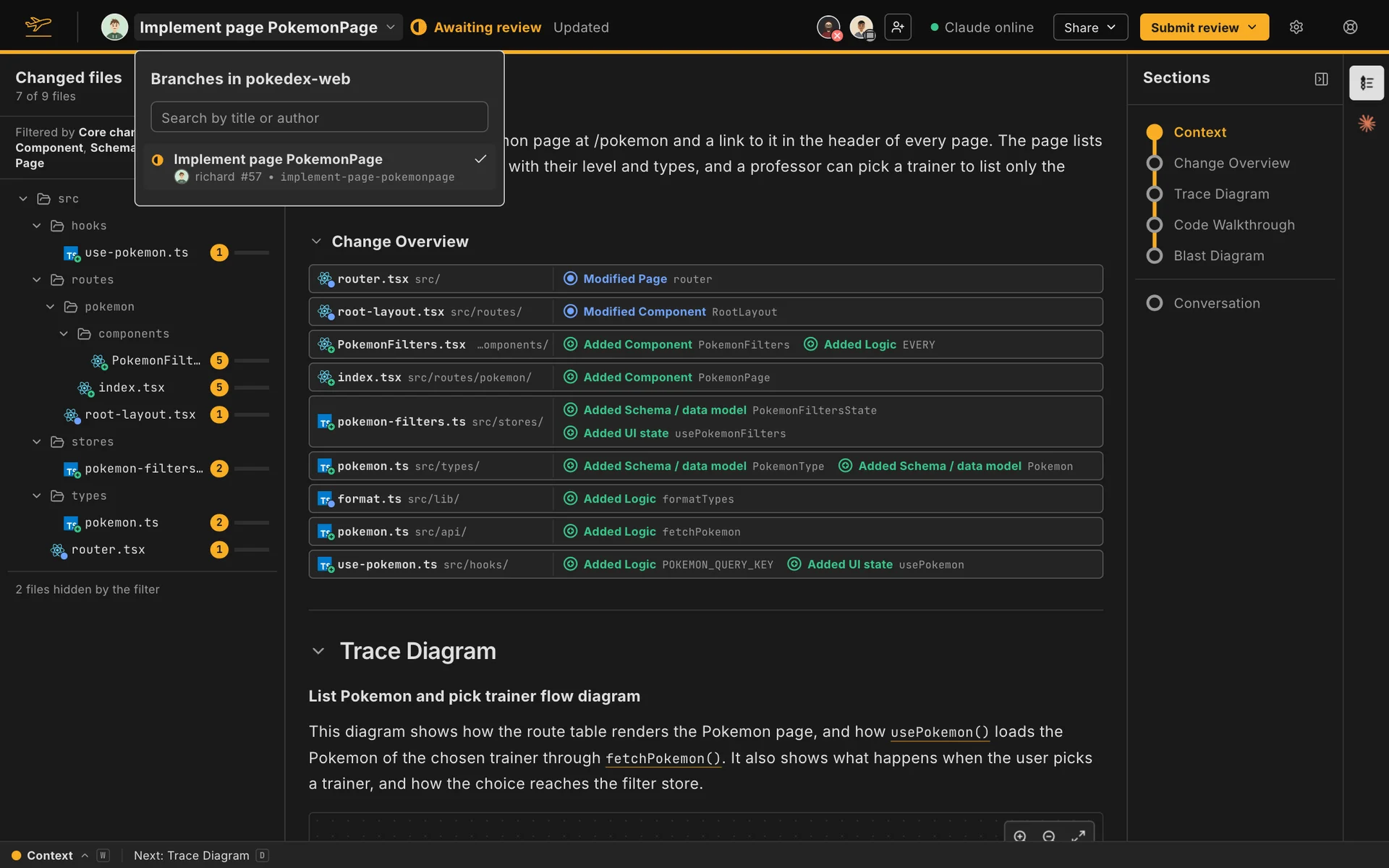
Section titled “Status”Each pull request and branch has a status, shown beside its title and used to filter the list on the home page:
| Status | Meaning |
|---|---|
| No review | The author is asking for a review, and the reviewers haven’t reviewed or commented yet. |
| Awaiting review | The author has pushed new commits since the reviewers’ last review. |
| Awaiting reply | The author has answered some of the reviewers’ comments and pushed no new commits. |
| Stale | The reviewers have reviewed it, and nothing has happened since: no new commits and no replies. |
| Draft | The pull request is a draft. |
| Closed | The pull request is closed. |
| Merged | The pull request is merged. |
The reviewers depend on who is looking. On someone else’s pull request, you are the reviewer, and only your own reviews and comments count. On your own, the reviewers are the people assigned to it or commenting on it. A branch with no forge is always No review.
The home page shows open work by default: no review, awaiting review, awaiting reply and stale.
Switching pull requests
Section titled “Switching pull requests”The review title is a menu. It lists the other pull requests and branches of the repository, newest first. Search by title or author narrows the list, and picking one opens its review.
Keeping a review up to date
Section titled “Keeping a review up to date”A review describes one commit. When you open a review whose pull request or branch has moved since, Flight Plan pulls the branch and builds the review again at the latest commit. It keeps what your agent wrote for code that hasn’t changed. What’s new shows Flight Plan’s hints until you ask your agent to explain it.
If Flight Plan can’t pull the branch or build the review, or your agent is still writing it, the header says Out of date, and a notice names both commits. Copy the update prompt on the notice copies a prompt that asks your agent to bring the review up to date.
The ⚙ menu
Section titled “The ⚙ menu”The ⚙ menu at the right of the header holds the review’s actions above the settings: View pull request to open it on your forge, Explain this review, and Delete, which removes the Flight Plan from your machine at once.
New pull requests
Section titled “New pull requests”The home page tells you about new pull requests and branches from the people you follow, with Create Flight Plan to open the review of one, and Dismiss. Create Flight Plan on a repository’s line lets you search for any of its open pull requests and branches.