
Explaining a review
Flight Plan builds a review without an agent. Your agent explains it: it writes the summaries, the labels, the explanations and the findings, for the parts you ask for.
The whole review
Section titled “The whole review”Right after you create a review, a dialog asks Ask Claude to explain this review?, with the name of your agent. It sums up what your agent would do: the Parts to explain, the Prompt configuration, the Code Walkthrough order, whether Segments are on, and a Total, such as 5 parts to write and 12 waypoints to check. The parts come from your review configuration.
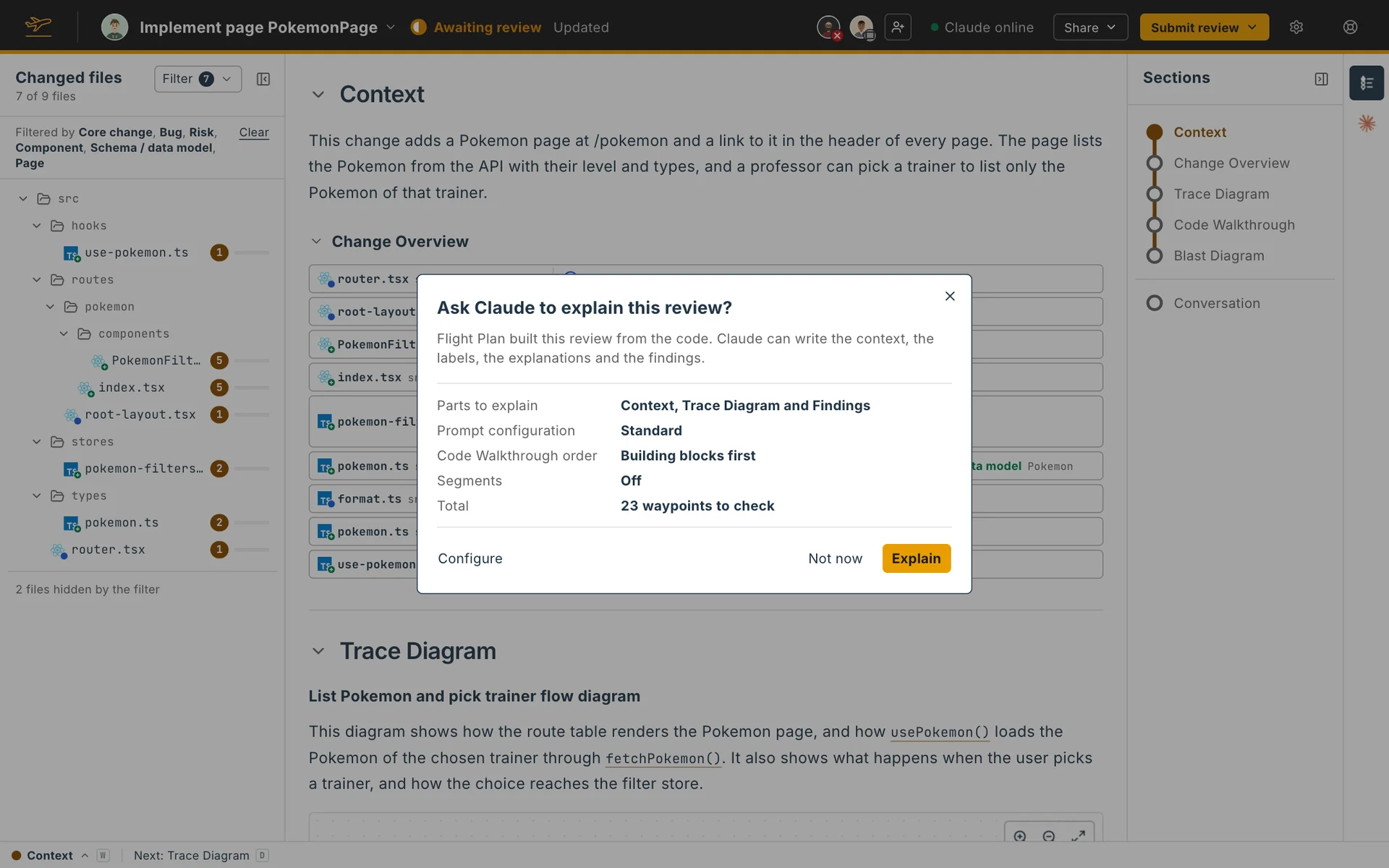
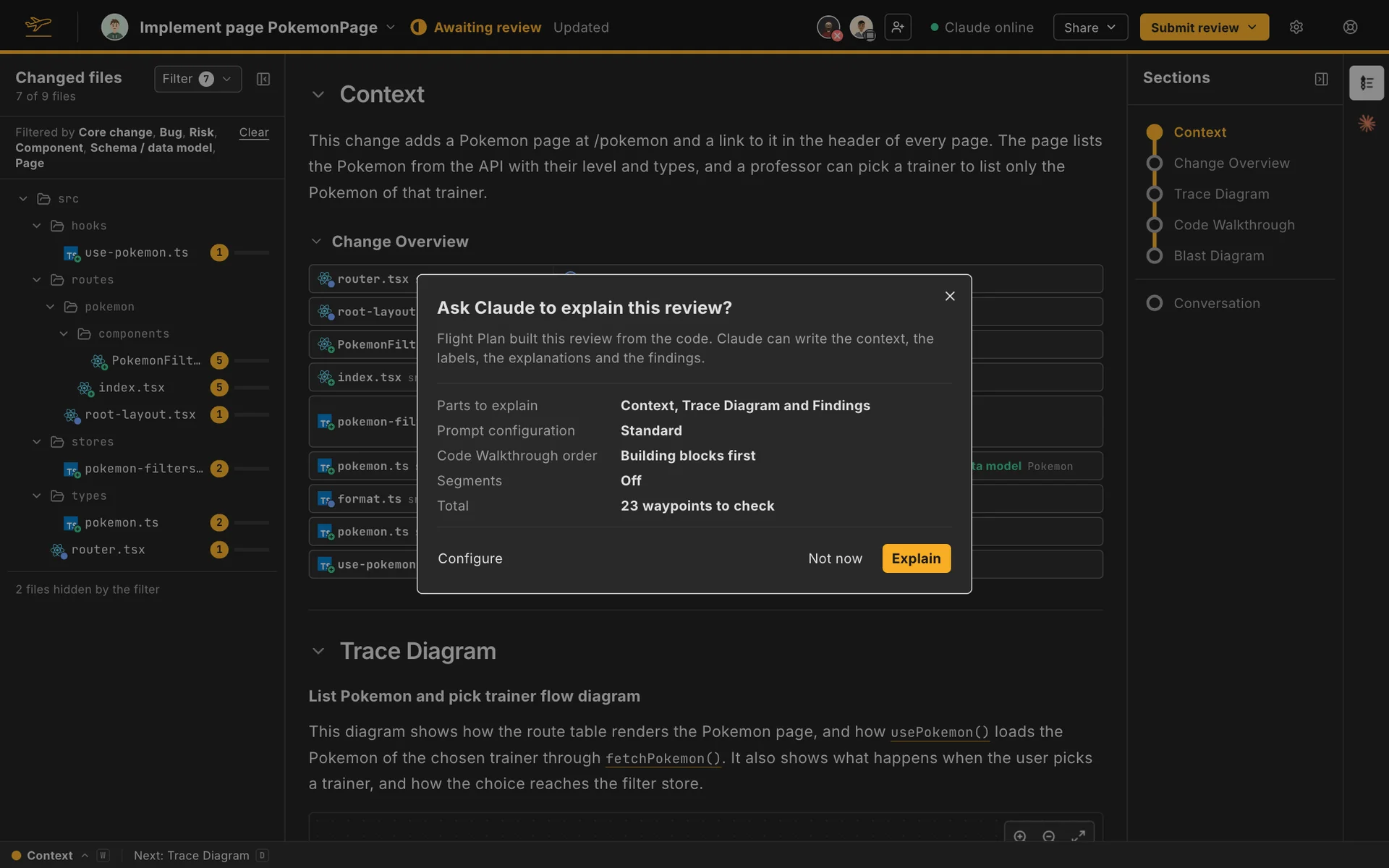
- Explain asks your agent. If it isn’t online, Flight Plan asks you to start it.
- Not now closes the dialog, and the review doesn’t ask again.
- Configure lets you change it for this review: tick the parts to explain, each with how much there is to write, and pick the prompt configuration, the Code Walkthrough order and whether to split the review into segments.
Explain this review in the ⚙ menu opens the dialog again at any time. Your agent writes only what is still missing.
One part
Section titled “One part”You can also ask for one part when you get to it:
| Where | Button | Key | What your agent explains |
|---|---|---|---|
| A waypoint | Ask Claude to write an explanation | G | That waypoint |
| A waypoint | Ask Claude to write the explanation for the whole block | Ctrl+G | Every waypoint of the block of code it sits in |
| A card of the Trace Diagram | Explain this card | G | That card |
| A file of the Blast Diagram | Assess this file | G | What the change does to that file |
On a waypoint the two share one split button: the second sits in the menu of the chevron joined to the first, and shows only when the waypoint sits in a block of code. The buttons carry the name of your agent, and the keys work from the Review Navigator. Ctrl+G is Control and G on every system, macOS included. When your agent is already writing, it explains the part once it’s done with what it was doing.
While your agent writes
Section titled “While your agent writes”A strip under the header shows who is writing and how many parts are done, such as Claude is writing the review and 12 of 40 parts written. A part on its way shows grey lines, and appears as soon as it’s written. A waypoint’s mark spins while your agent explains it.
If Claude goes offline before it’s done, the strip says Waiting for Claude, and the parts it hasn’t written say Not written yet. Start it again from Claude offline in the top bar.
With Codex or Cursor
Section titled “With Codex or Cursor”Only Claude runs live for now. With Codex or Cursor, Explain copies a one-line prompt. Run it in your agent’s session. Until the first part arrives, the strip says Waiting for your agent, with Copy the line to copy it again. Asking for one part copies a prompt for that part.