
Review artifacts
A review artifact is the review Flight Plan builds for one pull request or branch, with the prose your agent adds when you ask. Flight Plan shows it on the review page next to the code it describes. It answers four questions a diff leaves open: why the change exists, how it runs, what it can affect, and where to look.
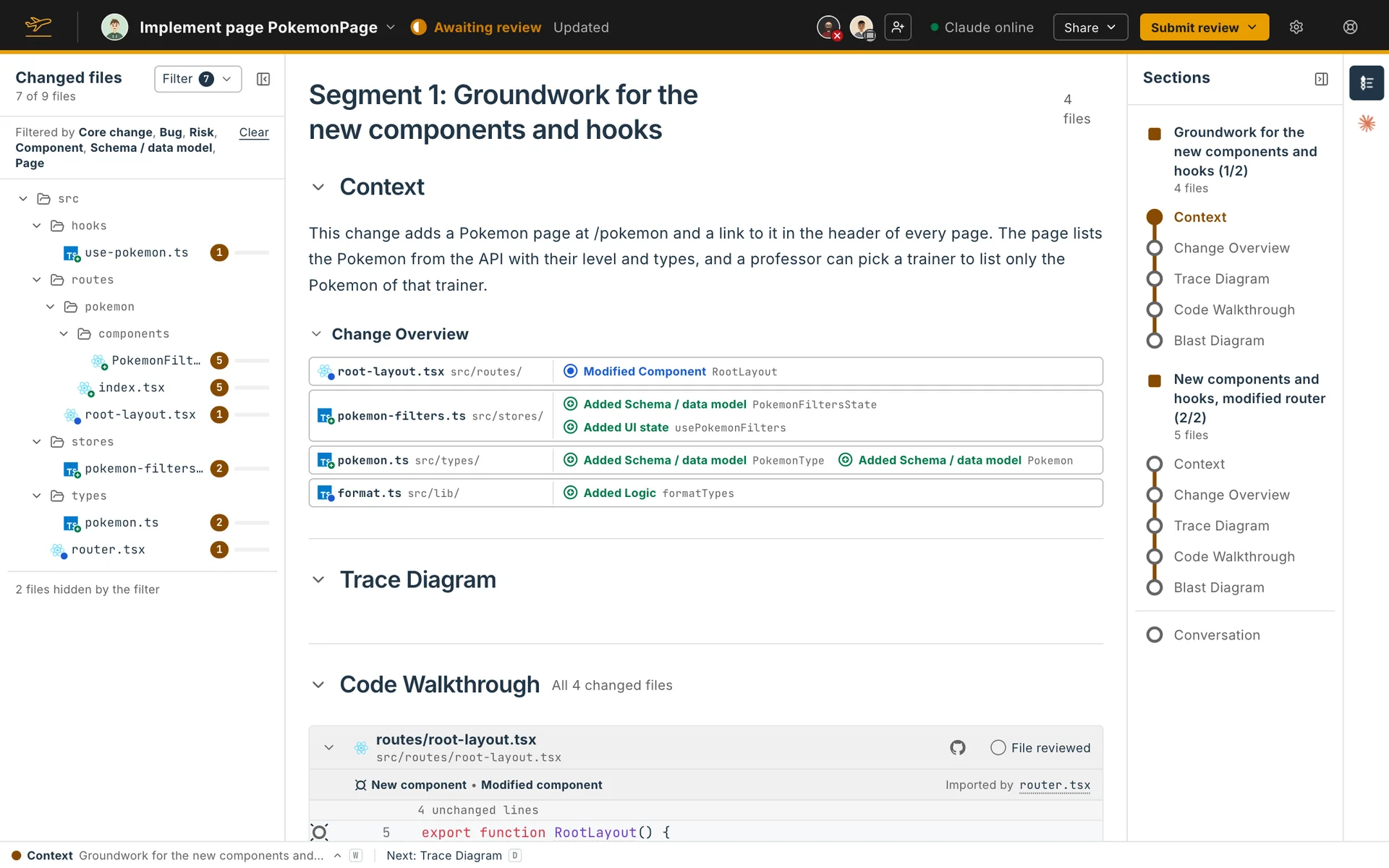
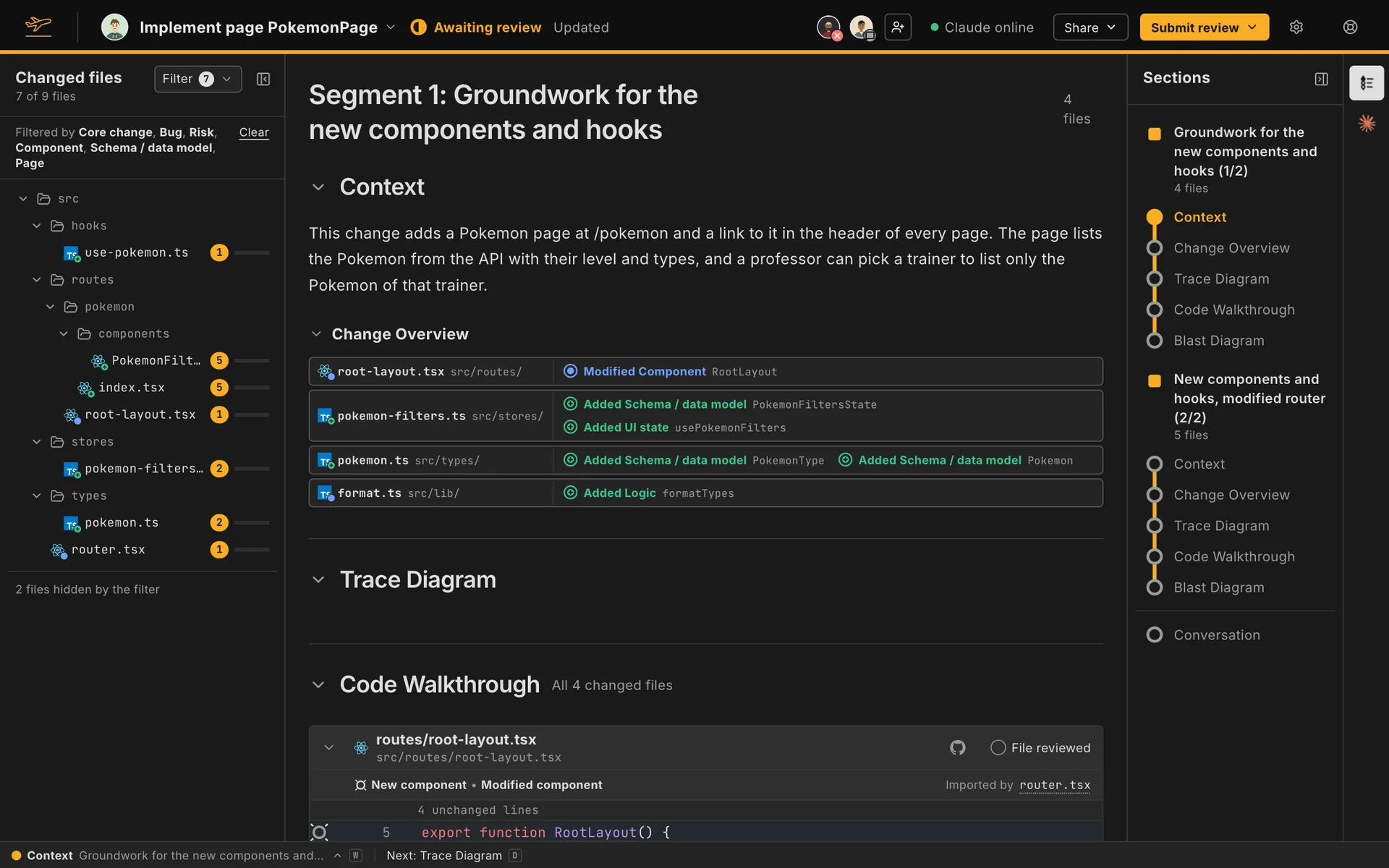
Parts of the artifact
Section titled “Parts of the artifact”| Part | What it answers | Who makes it |
|---|---|---|
| Segments | How the change splits into parts you can read one at a time | Flight Plan |
| Context | Why the change exists | The agent |
| Change Overview | Which code the change adds, modifies and deletes | Flight Plan |
| Trace Diagram | How execution reaches the changed code | Flight Plan draws it, the agent labels it |
| Blast Diagram | What the change can affect outside itself | Flight Plan draws it, the agent assesses each file |
| Code Walkthrough | Where to look, in what order | Flight Plan picks the files, the lines and the order, the agent explains them |
| Findings | What might be wrong | The agent |
| Context code blocks | What a name in the code is | Flight Plan finds each name’s code, the agent describes it |
Flight Plan works out the structure from the code: which files, lines, nodes and edges a review covers. You can read it before any prose is written, and until your agent explains a part, Flight Plan’s hint stands in, such as “Adds a component.” The agent writes only the prose, so it can’t leave a file or a caller out. The Code Walkthrough states how many changed files it covers.
Around the artifact
Section titled “Around the artifact”- Explaining a review: ask your agent for the whole review or one part of it.
- Review Navigator: the toolbar and the keys that take you through a review.
- Comments and threads on lines of the change.
- Reviewed marks that hide what you’ve read.
- Submitting a review with a verdict.
- Agent chat with your agent.
- Sharing a review in the pull request or as a Claude artifact.
- Git features: branch status, switching pull requests, and keeping a review up to date.
- Your own Flight Plan for a pull request or branch you wrote.
Finding your way around
Section titled “Finding your way around”The Sections panel on the right lists each segment with its sections, in the order of your display arrangement, and the Changed files tree on the left lists the changed files. Click an entry to jump to it. The Review Navigator at the foot of the page does the same from the keyboard.
To fold a section out of the way, click the chevron before its heading. The heading stays, and you can open the section again from it. The Change Overview has its own chevron, so collapsing the Context leaves it as it is. Your browser remembers which sections you collapsed in each review, and so does a published Flight Plan. A new review opens with every section open, and a published one opens with the sections its author folded.
While your agent writes, a strip under the header shows its progress, such as 12 of 40 parts written, and each part appears as it’s written. A section your agent hasn’t explained says Not explained yet beside its heading.