
Sharing
Share gives a review to people who don’t run Flight Plan.
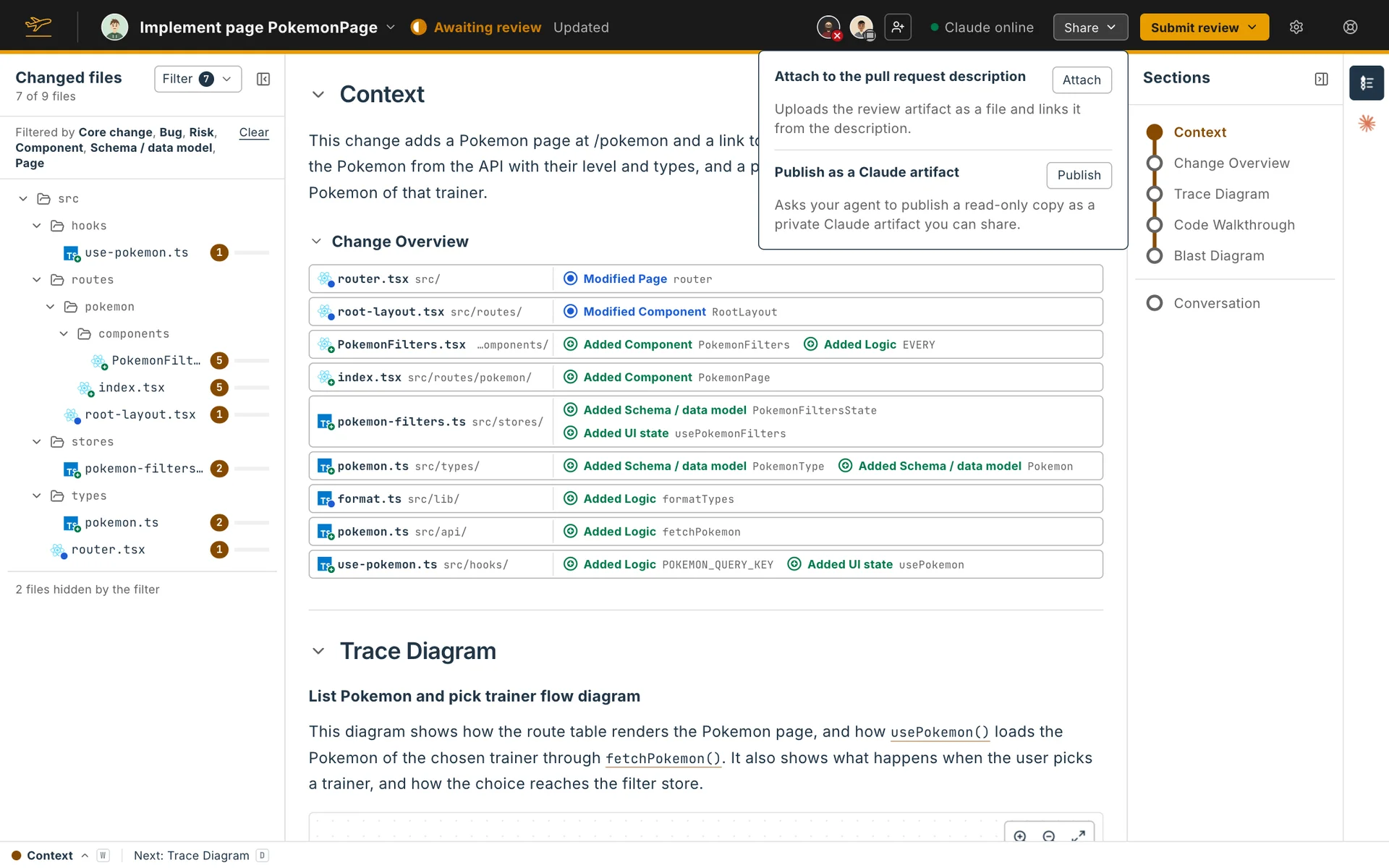

Attach to the pull request description
Section titled “Attach to the pull request description”Attach uploads the review artifact as a file to the pull request and links it from the description. Open the description shows where it went. This needs a forge.
Publish as a Claude artifact
Section titled “Publish as a Claude artifact”Publish asks your agent to publish a read-only copy as a private Claude artifact. It’s one page with the whole review and the code it shows, which anyone you share it with can read without Flight Plan or the repository. When the agent is done, Open the artifact appears under Share.
Before your agent is asked, a dialog shows how the page opens for its readers: which sections start folded, their order, and how many waypoints and files the Code Walkthrough shows. If parts of the review aren’t written yet, it lists them, since readers see Not explained yet there, and offers to ask your agent to write them first.
Configure lets you change that. Turn a section’s switch off to have it start folded, and drag the sections into the order you want. For the Code Walkthrough, pick Filter waypoints to open it with a filter, or Choose files to tick the files that start open.
Readers can still open anything you folded and change the filter. Flight Plan doesn’t keep these choices, so each time you publish the dialog starts again from your usual section order, with everything open and no filter.
Publishing again updates the same artifact, so its link stays the same.
Bringing a published review into Flight Plan
Section titled “Bringing a published review into Flight Plan”A published copy can only be read. Its header has Download to Flight Plan. That link opens Download a Flight Plan in your own Flight Plan, where your agent fetches the review from the artifact and stores it for the same repository and pull request. If you already have a Flight Plan for it, Replace and download overwrites yours.
On a Flight Plan you wrote yourself, Share appears once it is complete.